


Hello everyone! It’s Tony again 👋😄
Here are some new features in your Typing Mind Custom Deployment.
Available today!
Custom Prompts
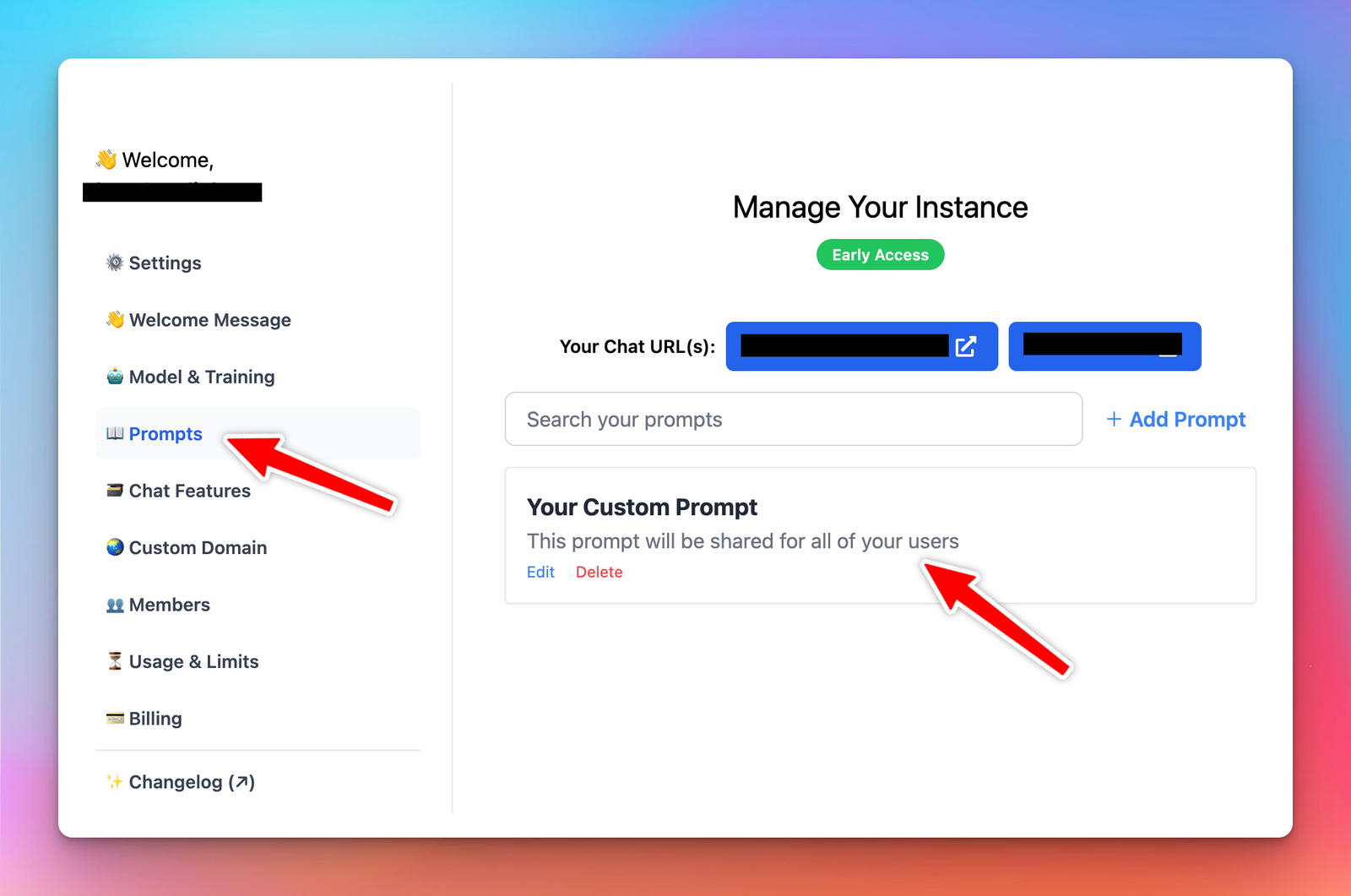
You can now set custom prompts, these prompts will be shared with all of your users in your Chat instance.
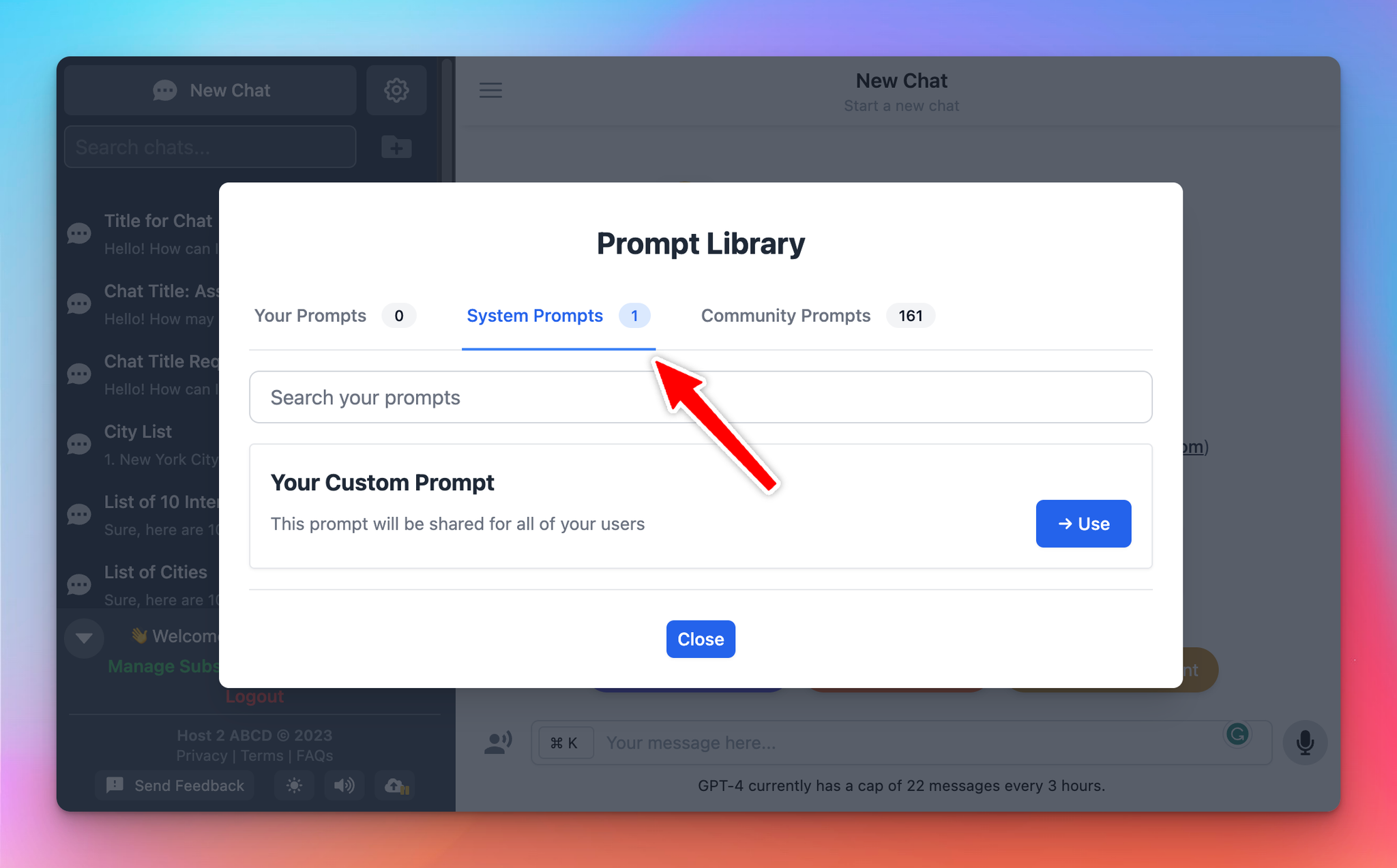
Your users will see the prompts in their Prompt Library, under the System Prompts category as below:
Enable/Disable Chat Features
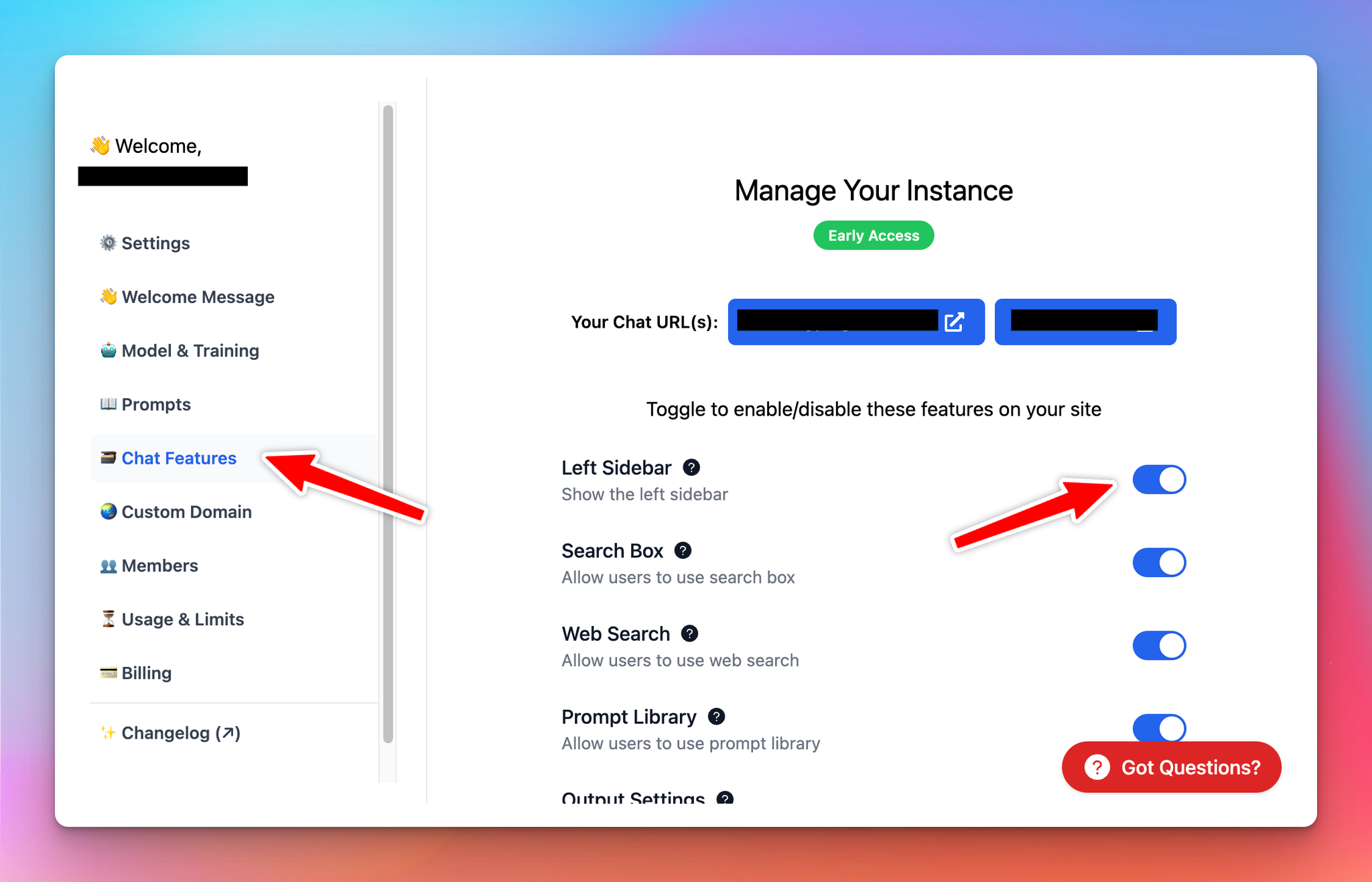
You can disable some chat features for your users using the new “Chat Features” menu.
Limit GPT-4 access
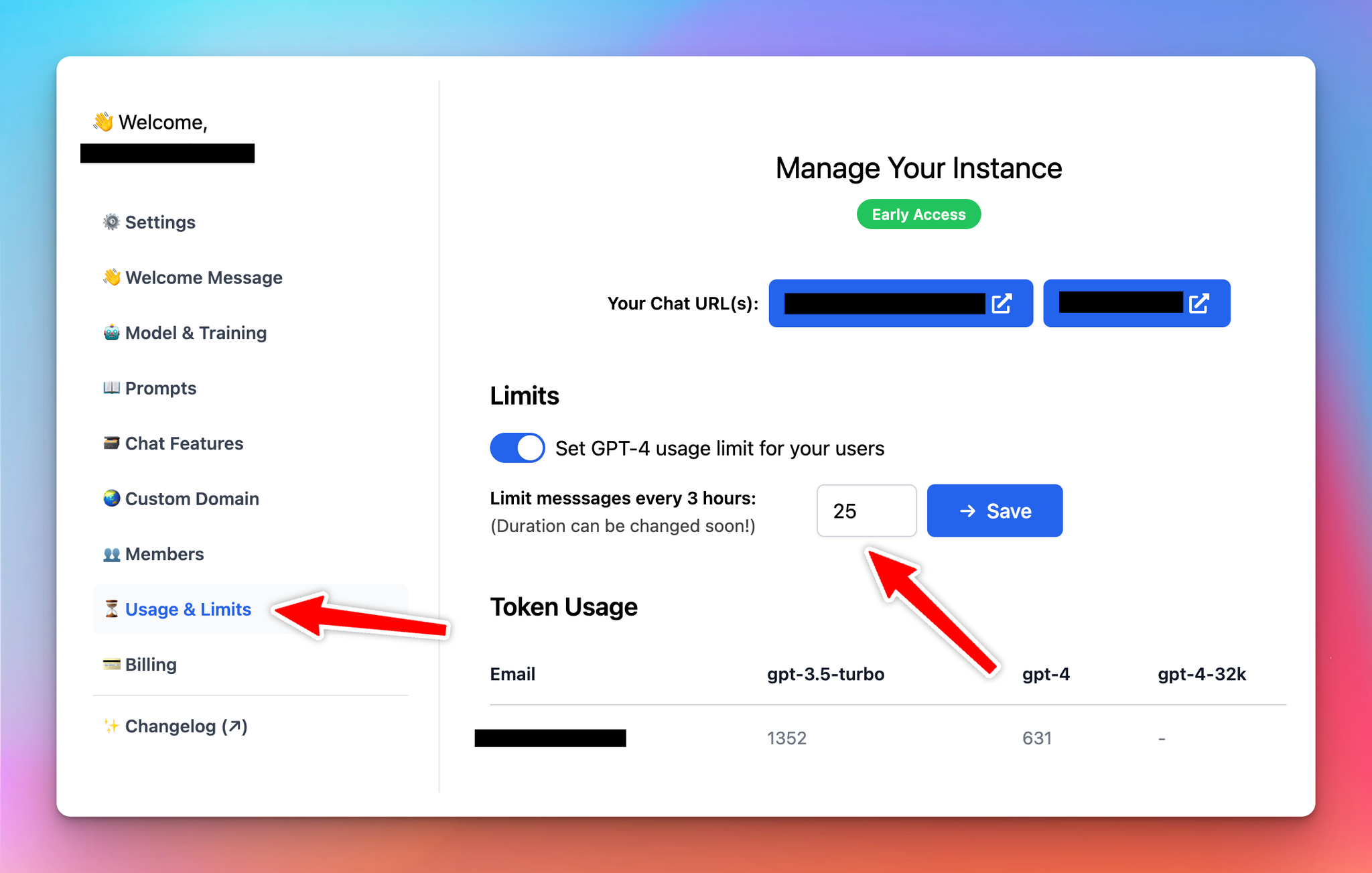
You can set a limit of the GPT-4 model for your chat instance now. This may help you to reduce your OpenAI API billing and prevent users from accidentally using too many GPT-4 tokens.
The limit can be set as X messages per 3 hours. You can also see a brief summary of who’s using how many tokens from the Usage & Limits page.
That’s all for now!
Stay tuned for more updates soon! 😊
Cheers,


